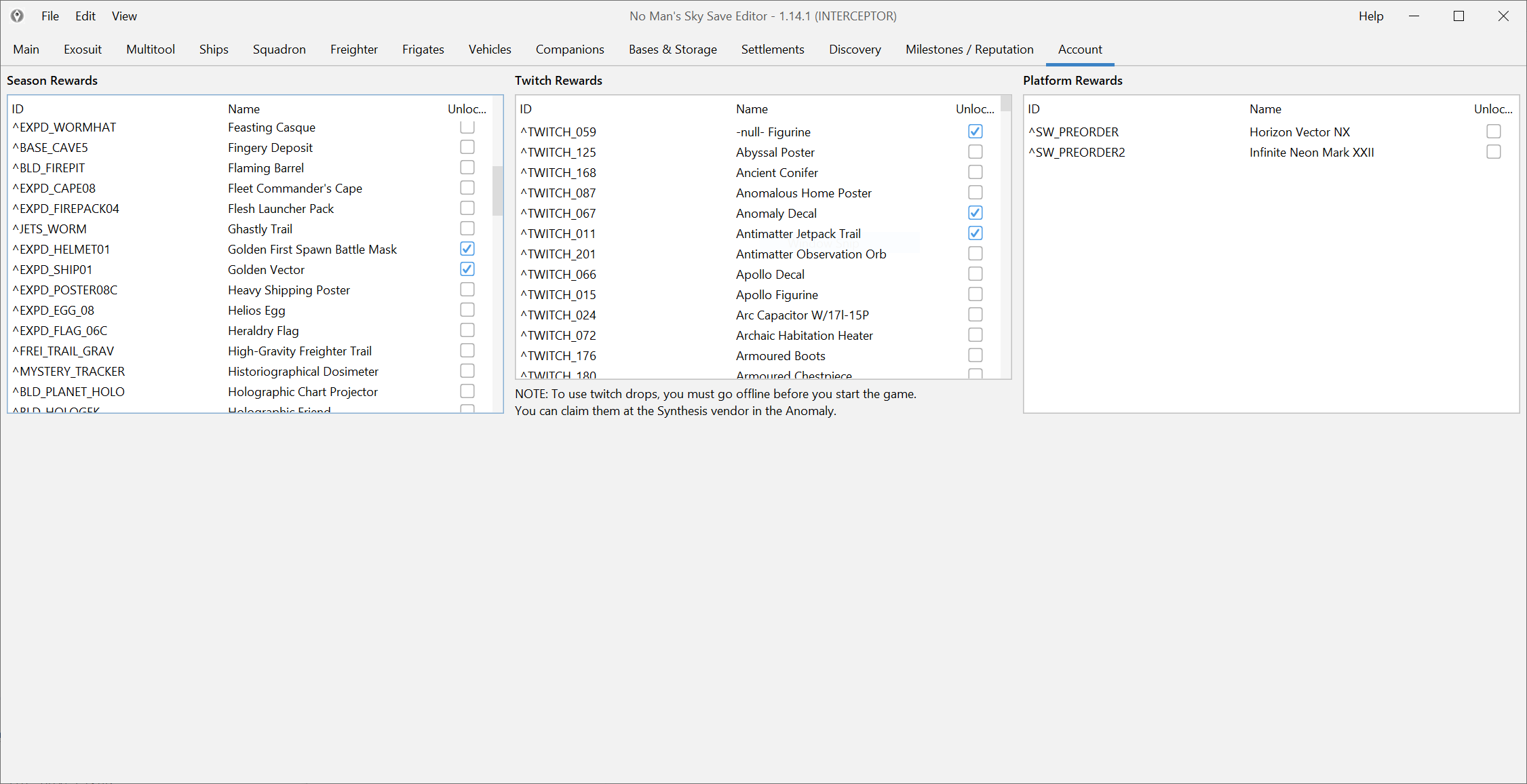
Check compatibility first if the reward is brand new
Expedition rewards are a common reason to open the editor, but they are also one of the workflows most exposed to update lag. Older entitlements are usually the safer target. Brand-new reward IDs can take longer to show up after a major No Man’s Sky patch.
If the reward you want is from the newest update cycle, check Compatibility and changelog before you assume the editor is missing something permanently.
Back up the save and account data before you touch rewards
Reward changes are often tied to account-level data, not just to one save slot. Start with a backup and keep the test loop small.
Before you edit anything:
- keep a clean backup,
- confirm you opened the correct save,
- and be ready to test the result in game right away.
Start in the account-oriented sections, not in raw JSON
Use the normal reward and account areas first. That is the right route for most expedition unlock workflows. Raw JSON is only worth touching when the normal UI does not expose the thing you need or when you are dealing with a repair edge case.
The safe pattern is:
- open the relevant reward or unlock area,
- inspect the current state,
- change one logical block,
- save,
- test in game.
Validate where the reward should actually appear
A reward only counts as fixed when it shows up in the place you expect:
- the Quicksilver or reward claim flow,
- the correct build menu,
- the right cosmetic selector,
- or the account unlock area that depends on it.
Do not stack three different entitlement edits before you check the first result. That is how a simple reward job turns into a debugging session.
If the reward still does not appear
Work through these causes in order:
- you edited the wrong save or account context,
- the reward belongs to a different unlock block,
- the current editor build has not fully caught up to the newest patch,
- the problem is already being tracked in recent issue reports.
At that point, the next useful pages are: