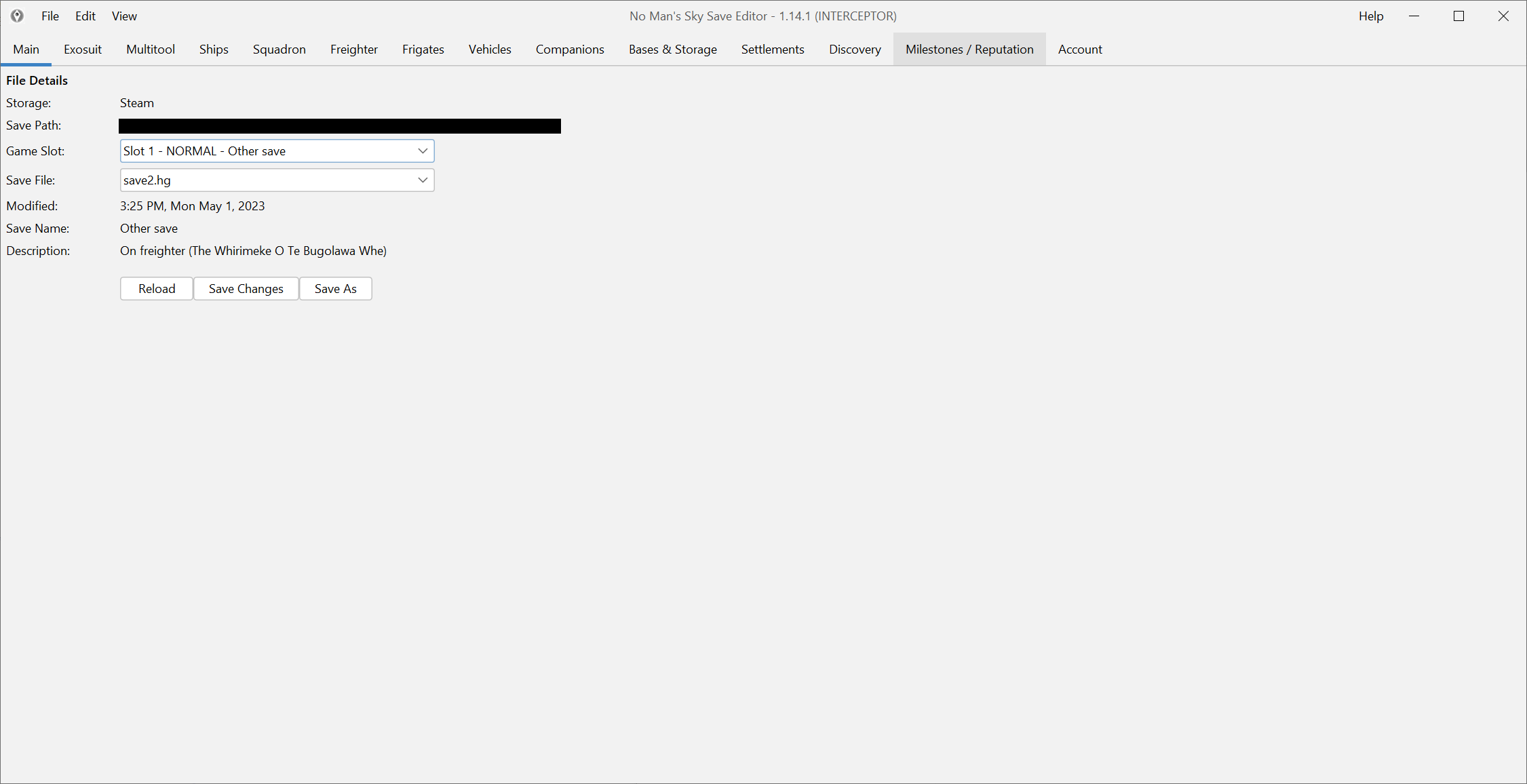
Start with the JAR build
On Mac, start with the JAR instead of the Windows wrapper. Put it in a simple local folder you can find again quickly.
If you still need the download itself, go to Download and install.
Verify Java before you troubleshoot everything else
Java 8 is still the safest starting point, so runtime setup should be one of the first checks, not the fifteenth.
If double-click launch does nothing, that does not automatically mean the editor is broken. It often means the runtime path still needs attention. Many Mac users solve this by installing Java through a package manager such as Homebrew or through a direct Java installer, then relaunching the JAR from a normal folder.
Launch from Terminal if Finder gives you nothing useful
When the JAR fails silently, Terminal is better than guesswork. Launching it there gives you a clearer signal about whether the problem is:
- a missing Java runtime,
- a bad file association,
- or a permissions problem.
That is more useful than clicking the same file three times and learning nothing new from the result.
Open the save you actually want to edit
The usual Mac save location starts under ~/Library/Application Support/HelloGames/NMS. If the editor launches but you still cannot find your data, stop and use Find your save files before you start editing random folders.
Once the correct save opens, make one narrow, reversible change and validate it in game. That confirms the runtime, file path and write flow all at once.
Keep the first session small
The Mac workflow is not the place for a giant first-night overhaul. Start small:
- open the right save,
- change one visible value,
- save,
- check the result in game.
If that loop works, you can move on to the real task you came for. If it does not, you have a clean point to debug from instead of a mixed pile of runtime and content changes.
If you are here right after a new game patch
Do not assume every new item or reward will already be mapped just because the editor launches cleanly. Launch success and content completeness are different things.
If your real goal is a brand-new reward, item or patch-specific fix, check: